Exploration of accidental keyboard shortcuts discovered through a cat’s random interactions with laptops, highlighting unexpected learning experiences about both Mac and Windows systems.
In an era where digital interactions dominate everyday life, even accidental incidents can lead to useful insights into how we interact with technology. This exploration reveals a series of keyboard shortcuts, unearthed not through deliberate learning, but thanks to a cat’s unpredictable behavior on laptop keyboards. The resulting insights offer a unique perspective on the otherwise hidden capacities of both Mac and Windows systems.
Unexpected Discoveries Through Feline Interaction
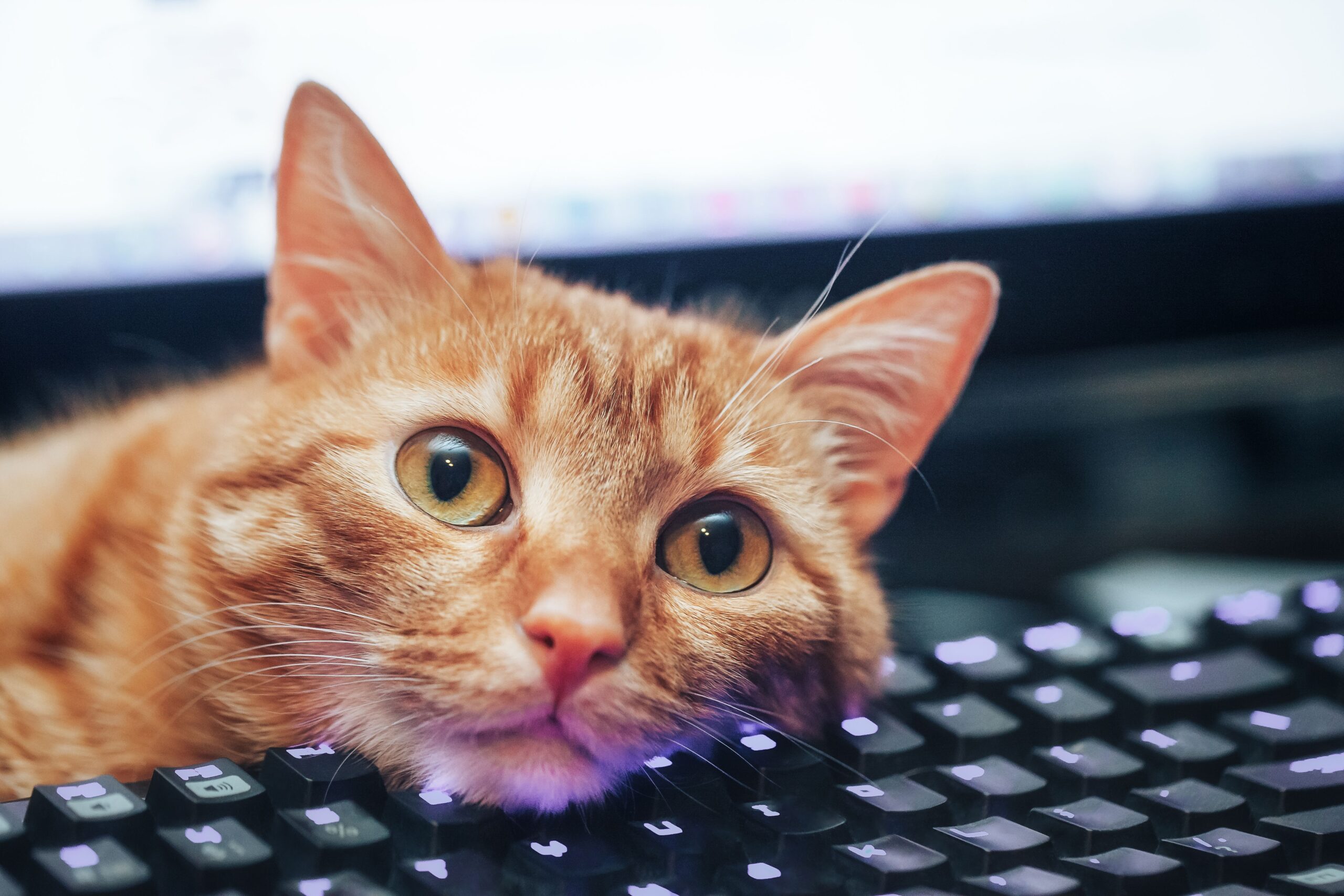
The playful curiosity of a cat named Mira has unintentionally exposed the sometimes obscure world of keyboard shortcuts. As Mira traverses the keys of a laptop, she inadvertently activates commands that remain unknown to many seasoned users. From hiding windows to toggling the dock, these unplanned interactions have opened a window into the latent capabilities inherent in modern operating systems.
One of the more anxiety-inducing discoveries came when Mira caused open windows to seemingly vanish. Initial panic about lost work quickly fades as users learn the utility of shortcuts like Command-Option-H on Mac, which hides all windows except the current one. Similarly, switching virtual desktops with Control-Left/Right can create the illusion of missing windows, a function mirrored on Windows with the Windows-Ctrl-Left/Right combination.
Revealing Hidden Features
While seasoned users might assume a level of mastery over their systems, Mira’s interventions shed light on features previously unnoticed. For instance, taking screenshots is routine on a Mac with Command-Shift-4, yet the equivalent task on a PC—Windows-Shift-S—was a revelation, expanding the user’s toolkit for capturing digital content.
Not all discoveries are immediate boons; some, like toggling the dock visibility via Command-Option-D, can be disorienting. However, such features offer practical benefits once understood, facilitating a more customizable and dynamic interface experience.
Accessibility Awareness Through Chance
Mira’s keyboard wanderings have also inadvertently highlighted essential accessibility features. On Windows, pressing the Shift key five times activates Sticky Keys, altering the behavior of modifier keys—a boon for users who struggle with simultaneous key presses. This feature demonstrates the depth of system design considerations aimed at inclusivity.
Similarly, FilterKeys, activated by holding the right shift for five seconds, offers stability for users with hand tremors by filtering out accidental key presses. While potentially confusing when triggered by accident, such features underscore the commitment to accessibility embedded within modern operating systems.
Detected Infrastructure Layer: Interface Dependency
This scenario exemplifies the dependency on interface fluidity and the intricate balance required to maintain intuitive interactions. Users often depend on familiar interfaces, yet this dependency can obscure the depth and versatility of the systems they use. Mira’s unexpected interactions reveal an operational complexity that often goes unnoticed but is crucial for leveraging the full potential of digital tools.
The accidental activation of keyboard shortcuts illustrates how intuitive design and user behavior shape interaction paradigms. It highlights the potential for unintentional learning, driven by system design intricacies that allow for expanded functionality through seemingly random actions.
Conclusion: Embracing Accidental Learning
The unexpected revelations provided by Mira offer a unique lens through which to view human-computer interaction. These discoveries encourage users to explore systems more deeply, turning incidental disruptions into opportunities for learning and adaptation. As digital environments continue to evolve, understanding the full range of a system’s capabilities becomes essential, not only for efficiency but for enhanced user empowerment.
Observation recorded.