
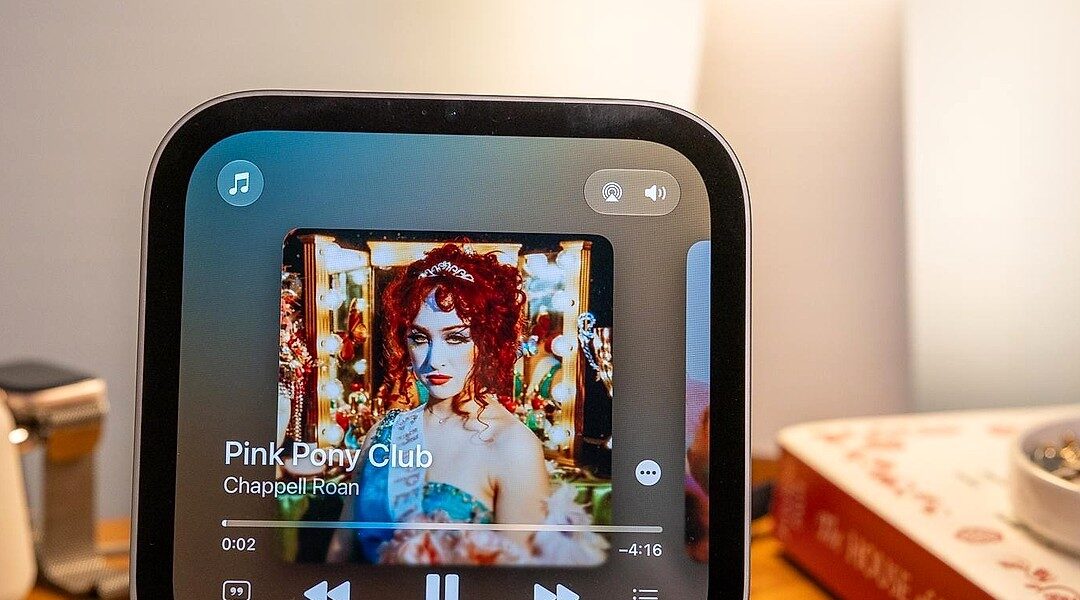
Apple’s HomeView smart display offers decent sound with some limitations. This analysis explores its audio capabilities.
Apple’s HomeView, its inaugural smart display, has sparked widespread interest, particularly regarding its audio performance. Positioned more as an effective music controller than a top-tier speaker, the HomeView finds itself scrutinized alongside devices like the HomePod Mini, Sonos One, and the larger HomePod.
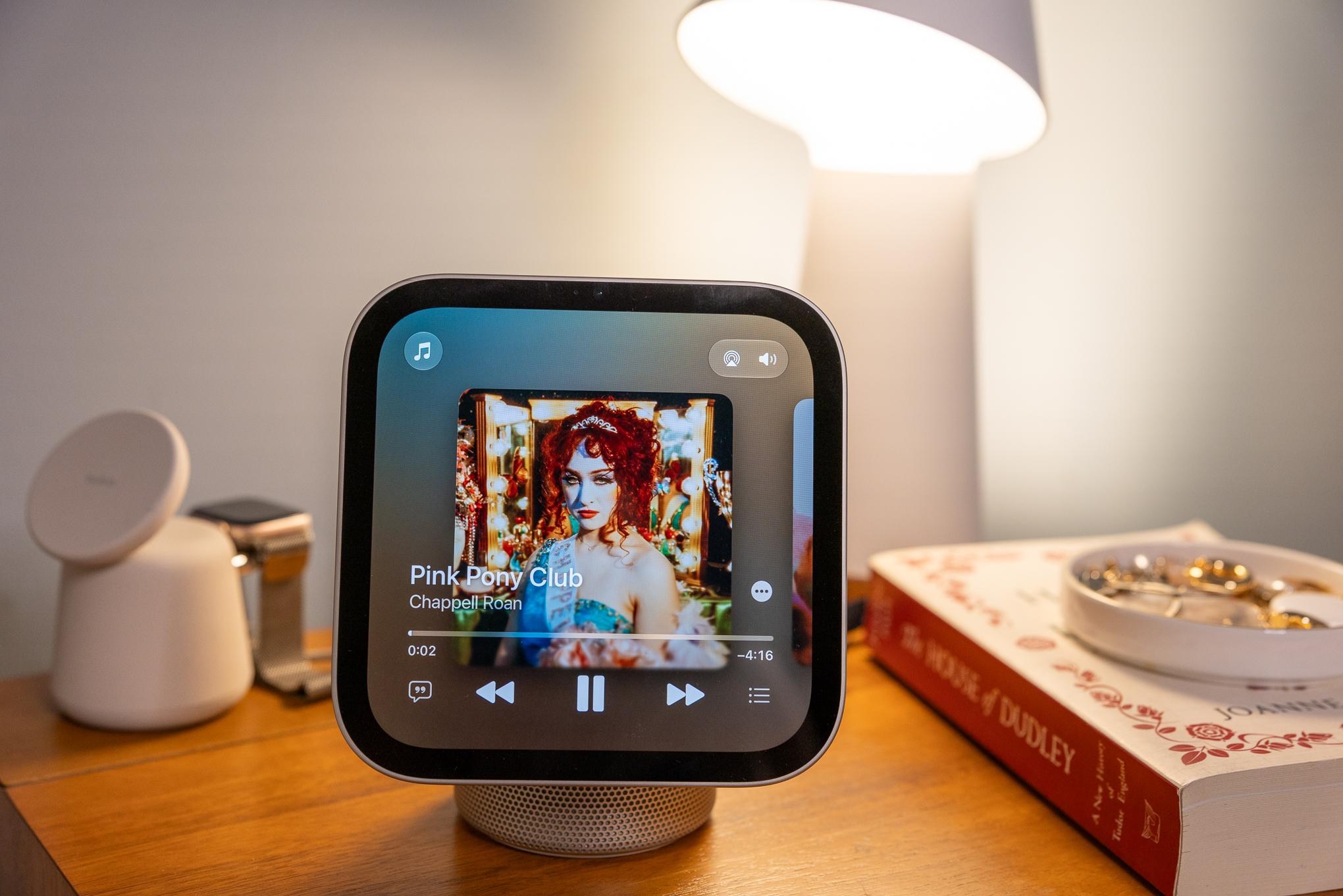
When compared to the HomePod Mini, the HomeView exhibits somewhat comparable sound characteristics, offering enhanced bass and a higher volume output. However, its sound clarity and ability to fill a room lag behind. These differences arise primarily due to the hardware variations. While the HomeView boasts two drivers in its display paired with a woofer and two passive radiators, the inherent design partly covers the speaker base, impacting sound delivery. Interestingly, the HomeView features an accelerometer that adjusts its EQ based on display tilt, an innovative approach to optimizing sound dynamics.
The Limitation of Stereo Pairing
One significant constraint of the HomeView is its inability to form stereo pairs, unlike the HomePod Minis. While you can group it with other AirPlay speakers for a multi-speaker setup, stereo configuration remains elusive, limiting its potential as the core of a high-fidelity audio system. Many users find more value in pairing two HomePod Minis for better sound dispersion, which also serves seamlessly with Apple TVs.
Exploration of Audio and Video Handoff
Reflecting Apple’s seamless ecosystem integration, the HomeView supports AirPlay and audio handoff operations akin to the HomePod. Its standout feature includes video handoff, allowing content transfer from an iPhone to the HomeView and vice versa. This feature supports various apps, including YouTube TV, yet has mixed success with others, like Netflix, which only delivers audio.
Handoff functionality showcases a common trait across Apple’s devices: high usability but sometimes overly sensitive to proximity, leading to unintended transfers, an aspect users need to navigate cautiously.
Third-Party App Ecosystem: A Work in Progress
The HomeView’s integration with third-party apps, particularly audio-centric like Spotify and Audible, presents challenges. Apple leverages the existing CarPlay framework for this integration, which while convenient, imposes several limitations. The reliance on a user’s profile and the necessity for a shared Wi-Fi network introduce additional setup steps that diminish the out-of-box experience.
Moreover, third-party apps suffer from slower performance and lack functionalities, like search capabilities, found in native applications. This reveals a significant interface dependency issue, as users must adapt to a less responsive and intuitive experience compared to the streamlined access they might expect.
“Siri, resume my Audible book.” “Shuffling latest songs from Apple Music.”
Interface Dependency and User Adaptation
This situation exemplifies a broader pattern observed across smart home technologies: interface dependency and the pressing need for user adaptation. Devices like the HomeView emphasize the importance of seamless integration not just within an ecosystem but across varied third-party service environments.
The challenges faced by users attempting to leverage the full potential of their devices underscore the ongoing tension between brand-controlled experiences and user flexibility. As smart homes evolve, reducing friction in multi-platform interoperability remains a critical area of development.
In summary, Apple’s HomeView offers a respectable foray into smart displays with sound capabilities that align well within its system. However, the trade-offs in stereo pairing, app integration, and a rigid interface dependency suggest areas ripe for refinement. As users become accustomed to these evolving ecosystems, their expectations drive innovation, pushing brands to refine user experiences continually. Monitoring continues.