

Siri AI’s integration into macOS marks Apple’s evolving approach to AI, attempting to blend voice assistance with desktop functionality. Despite its potential, Siri AI still faces hurdles in achieving seamless automation on macOS.
The integration of Siri AI into macOS 27, dubbed Golden Gate, signals a shift in how Apple envisions AI’s role within its ecosystem. This development, coming off the back of WWDC 2026 announcements, reveals Apple’s intent to blend voice-assisted capabilities with desktop user interfaces. However, as early testing reveals, the integration has not yet reached its full potential.
Initial Interactions
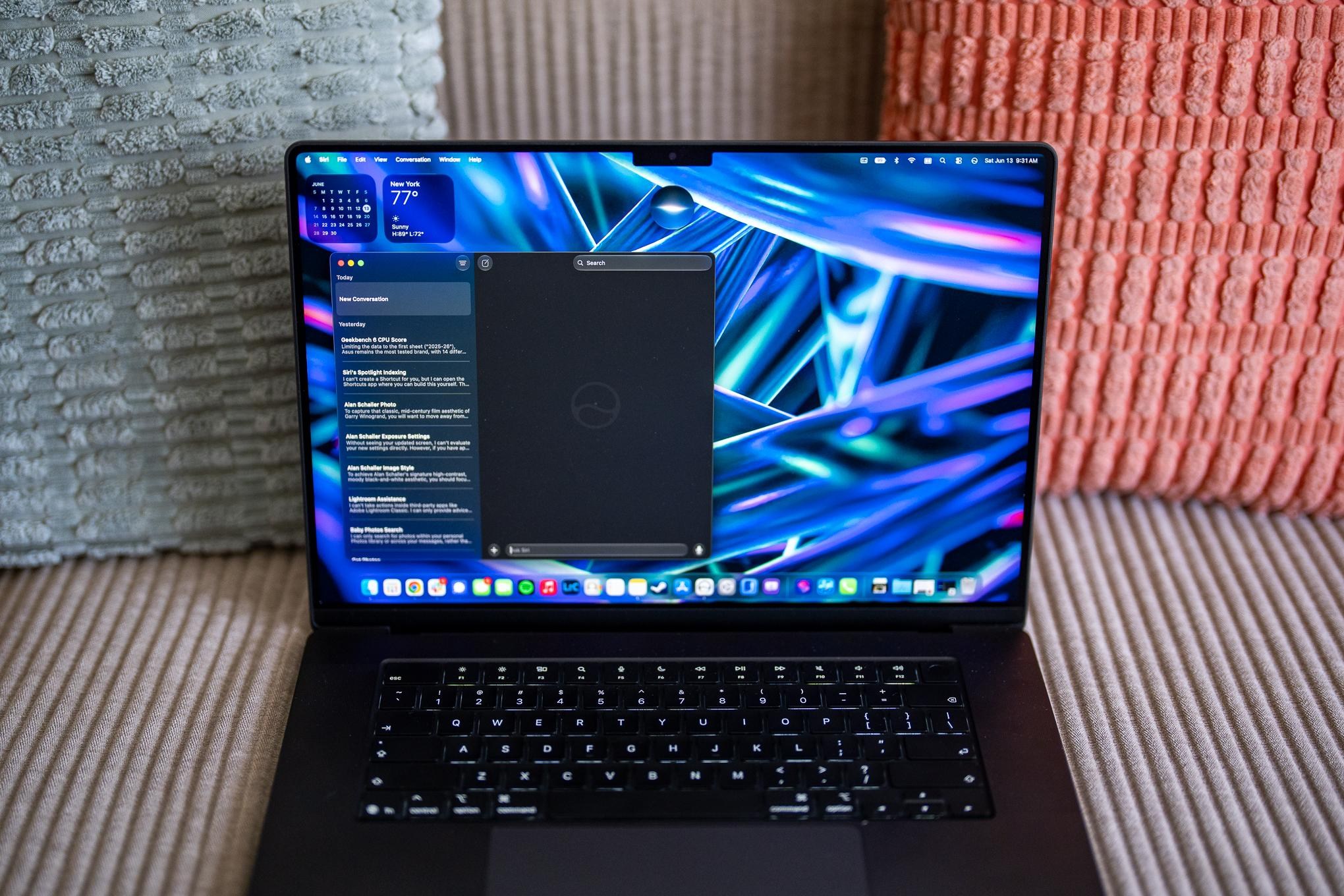
During the initial 24 hours of testing, Siri AI on macOS presented itself as an enhanced yet somewhat constrained digital assistant when compared to its iOS counterpart. The anticipation was to see Siri evolve from a primarily mobile-focused application to a more robust desktop aide. Antonio G. Di Benedetto’s experience suggests that while Siri can perform basic tasks, it struggles with more complex interactions that desktop users might expect.
The assistant could launch applications but lacked the capability to execute detailed commands within them. The ambition of using Siri to automate time-consuming processes, like laptop benchmarking, highlights this gap. While Siri AI can open applications like Geekbench or Cinebench, it cannot run benchmarks autonomously. This limitation becomes evident when trying to exploit Siri’s capabilities for workflow optimization, a core expectation for desktop productivity.
Automation Endeavors and Shortcomings
Attempts to leverage Apple Intelligence for creating automation through Shortcuts met with mixed results. Although new shortcuts could automate the opening of benchmarking tools and take screenshots, they faltered at executing the actual tests, leaving significant room for developer expansion and integration of App Intents. This reflects a broader challenge in voice-assistant technology: the ability to transcend application barriers and enact sophisticated sequences.
Siri’s interaction limitations become more apparent when attempting data analysis tasks. While the assistant could process and average benchmark data from screenshots, it struggled with complex mixes of data types or file formats outside Apple’s native ecosystem. This suggests an ongoing dependency on Apple’s infrastructure, limiting Siri’s usefulness in broader, more heterogeneous environments.
System-Level Shift and User Adaptation
The incorporation of Siri AI into macOS represents a step towards more integrated voice-assisted computing, yet it also illustrates the barriers faced when adapting mobile-first technology for desktop environments. In an era where users frequently switch between diverse apps and operating systems, Siri’s effectiveness is tethered to its ability to interact with non-Apple services and applications.
This integration shows potential in routine data processing and application navigation within Apple’s ecosystem. However, it calls into question how effectively such AI can break into non-native systems, which is crucial for widespread adoption and utility.
Visual and Data Recognition
Apple’s efforts to enhance Siri’s visual intelligence, akin to its Copilot Vision, demonstrate partial success. Siri’s ability to provide adjustments in photo editing showcases potential yet is limited by its tendency to mislabel or misunderstand visual cues. The functionality to suggest creative edits based on recognized styles could be promising if refined, suggesting a need for more sophisticated AI training and feedback mechanisms.
Moreover, Siri’s struggle with non-native file recognition — failing to identify locally stored images in popular third-party apps like Adobe Lightroom — underscores the necessity for more comprehensive file indexing and recognition capabilities. The current disconnect between the assistant’s potential and its actual performance highlights an area that requires significant development.
Conclusion: A Future Vision for AI on Mac
Siri AI’s implementation on macOS 27 might be seen as the preliminary stage of transforming desktop computing into a voice-controlled, AI-assisted landscape. Its current limitations in automating workflows and integrating with third-party apps highlight the challenges Apple faces in evolving Siri into a more versatile tool.
Despite the shortcomings, Siri AI remains a critical step towards a future where digital assistants play a more central role in our computing environments, beyond mobile devices. Apple’s continued investment in refining AI capabilities on macOS will be crucial to achieving this goal. Monitoring continues.